
A CMS migration is one of the few projects where doing everything right technically can still tank your organic traffic, if a few specific things go wrong.
The fear is real and it is rational. I have led migrations where the platform change was flawless and the SEO risk was the thing that kept everyone up at night.
On one migration I ran for a global container shipping line, moving off FirstSpirit onto Sitecore, protecting search visibility was not a line item. It was a parallel workstream that ran the entire project.

You migrate a CMS without losing SEO by treating rankings as something you protect on purpose, not something you hope survives the move. That means auditing what you have before you touch anything, mapping every old URL to a new one, preserving your metadata and structured data, and testing all of it before launch and again after.
Sites that lose rankings in a migration almost never lose them to the new platform. They lose them to steps that got skipped under deadline pressure.
Here is the checklist I use to make sure rankings survive the move. Work through it in order, because the early steps make the later ones possible.
Before You Migrate
1. Crawl and document the current site
Before anything changes, run a full crawl and capture every URL, title, meta description, heading structure, and status code. This is your baseline.
You cannot protect what you have not recorded, and you cannot prove what broke if you never measured what worked.
2. Benchmark your current rankings and traffic
Export your organic rankings, top landing pages, and traffic by page.
If something drops after launch, this is how you know, and how you find it fast. Skipping this step is how ranking loss goes unnoticed for weeks.
3. Identify your highest-value pages
Not every page carries equal SEO weight.
Find the pages that drive organic traffic and conversions, and flag them for extra care. These are the ones you test first, watch closest, and never let break.
During the migration
4. Map every old URL to a new one
This is the single most important step, and the one most often rushed.
Every URL that moves needs a permanent redirect to the most relevant new address. In most cases that means a 301, not a lazy redirect of everything to the homepage.
Broken or missing redirects are one of the biggest reasons rankings take a hit during a migration.
5. Preserve metadata and on-page structure
Carry over your titles, meta descriptions, and heading hierarchy.
If the new templates change how these are built, confirm the output still matches what search engines already reward. A redesign that quietly rewrites every title tag can undo years of ranking work.
6. Keep your structured data intact
FAQ markup, breadcrumbs, product data, and other structured data need to move with the content.
These help search engines understand your content and can support rich results. Losing them is invisible in the CMS and can become very visible in search.
7. Preserve your internal linking
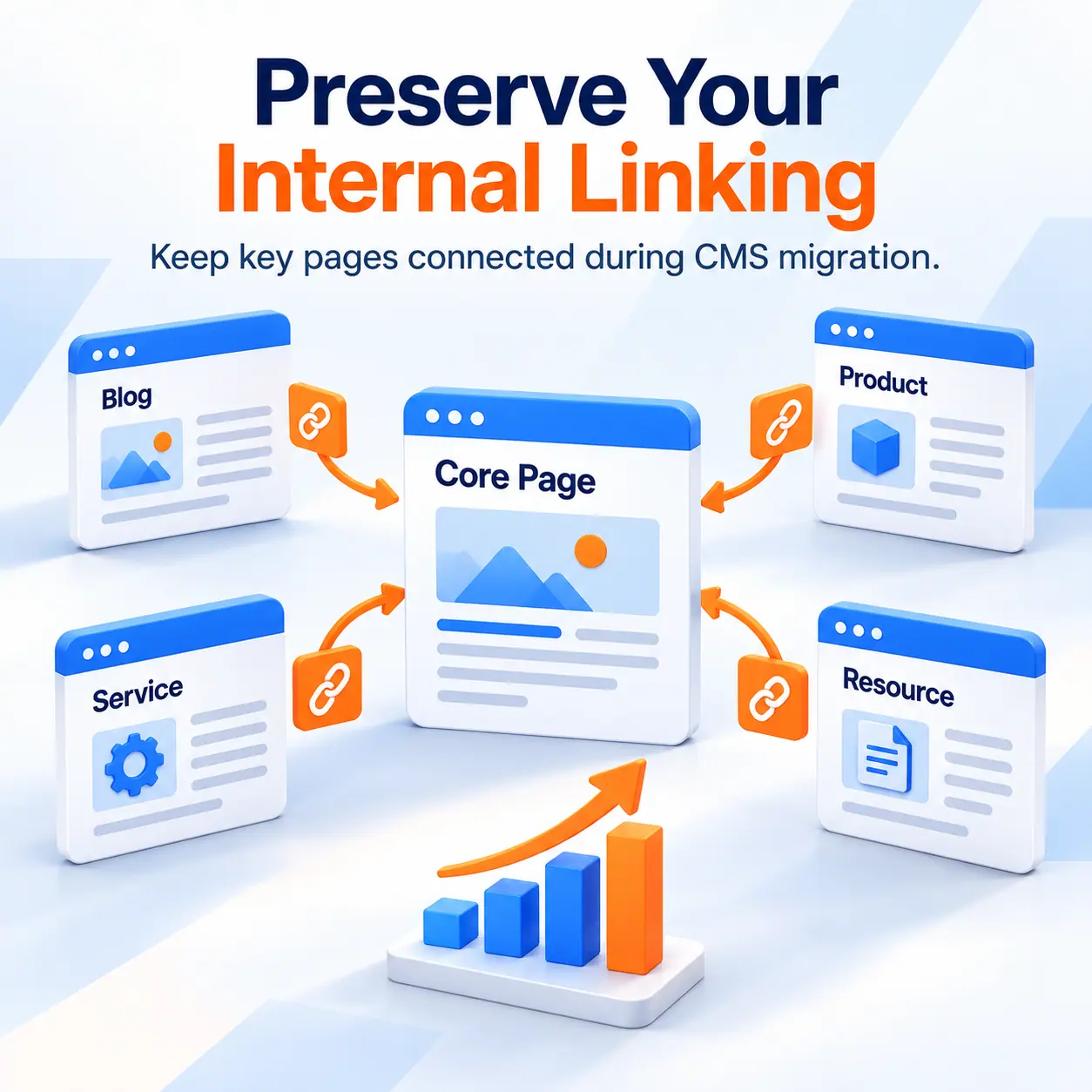
Internal links help search engines discover your pages and understand how your site fits together.
Migrations often flatten or break them. Confirm your key pages still link to each other the way they did, and that navigation and cross-links survived the move.
8. Handle hreflang and multilingual carefully
If you run multiple languages, hreflang tags tell search engines which version serves which market.
Migrations break these easily, and the result is the wrong language ranking in the wrong region. On a multilingual site, this needs its own check.
Before you launch
9. Test the full redirect map on staging
Run every old URL through the redirect map before go-live and confirm each one lands where it should, with a single 301 and no chains.
Fixing this on staging costs an afternoon. Fixing it after launch costs rankings.
10. Keep your robots and sitemaps correct
Confirm the new site is crawlable, that no accidental "noindex" or "disallow" carried over from staging, and that an updated XML sitemap is ready to submit.
A staging block left in place at launch is one of the most damaging and most common migration mistakes.
After you launch
11. Submit the new sitemap and monitor immediately
Submit the updated sitemap to search consoles on day one. Watch crawl errors, index coverage, and rankings daily for the first few weeks.
Fast detection is the difference between a small dip you correct and a decline you discover too late.
12. Compare against your baseline
This is where step 2 pays off.
Compare rankings and traffic against your pre-migration benchmark. Any page that dropped gets investigated against the checklist above. Redirects, metadata changes, crawl blocks, internal links, and canonicals are some of the first places I look.
The point of the checklist
None of this is complicated. It is disciplined.
Migrations lose SEO not because the work is hard, but because the SEO steps compete with the technical launch for attention, and under deadline pressure the SEO steps lose. Protecting rankings means giving them their own workstream and their own owner, so they never get traded away for a launch date.
That discipline is exactly what a content operations partner brings to a migration. Implementation moves the platform. Someone has to make sure the search visibility, the metadata, the redirects, and the multilingual setup move with it, correctly, and stay intact after launch.
On the shipping line migration, that parallel focus helped us protect search visibility while the platform changed underneath it.

Audit and benchmark the current site first, map every old URL to a new one with 301 redirects, preserve metadata and structured data, test the redirect map on staging, and monitor rankings against your baseline after launch. When rankings drop after a migration, the problem is often somewhere in the migration details, not simply the new platform.
Broken or missing URL redirects. Every URL that changes needs a one-to-one 301 redirect to its new address. Redirecting everything to the homepage, or missing redirects entirely, is the most common and most damaging migration mistake.
A small, short dip is common as search engines recrawl. A significant or lasting drop is not normal and signals a problem, usually redirects, metadata, or a crawl block left over from staging. When rankings drop after a migration, the problem is often somewhere in the migration details, not simply the new platform.
A well-executed migration can keep disruption limited, but some movement is normal while search engines recrawl and process the new URLs. That can take a few weeks or longer depending on the size of the site. Recovery time grows when issues go undetected, which is why daily monitoring against a baseline matters in the first weeks.
Yes, for enterprise sites with meaningful organic traffic. Without dedicated SEO attention during migration, the risk of ranking loss is significant. This is why we treat SEO protection as its own parallel workstream, not a subset of the technical launch.



.webp)