A site launches fully compliant. The audit passes, the badge goes up, everyone moves on.
Then, over the following year, hundreds of new pages, images, PDFs, and videos get added by authors who were never trained on accessibility, and the site quietly slides out of compliance one upload at a time.
Nobody made a mistake in a single moment. The site just drifted, because nothing was holding it.
For enterprises, accessibility drift can create usability, reputational, and compliance risks. For universities and public institutions, the stakes can be particularly high, as accessibility obligations may arise under laws such as the Americans with Disabilities Act and Section 504 of the Rehabilitation Act. Accessibility on a higher-education site is not a nice-to-have, it is a compliance mandate, and every new piece of content is a new place to fall short.
That is why accessibility cannot remain solely a development responsibility. Content operations teams play a critical role in maintaining accessibility as new pages, images, documents, and media are published.
You keep a website WCAG-compliant on an ongoing basis by treating accessibility as a content operations habit, not a one-time launch check. That means building accessibility into your templates and your author training, applying the same rules to every new page, image, and document, and auditing on a regular schedule so drift gets caught early.
A site that launches accessible does not stay that way on its own. It stays that way because someone owns keeping it that way.
How to Keep Everyday Content Accessible
Here is the playbook I use.
1. Give accessibility a named owner
Accessibility drifts when everyone assumes someone else is checking.
Assign one person accountable for ongoing compliance, the same way you would assign an owner for content structure or quality. This is the difference between accessibility as a standard everyone follows and accessibility as something that happened once at launch and was never maintained.
2. Build the rules into your templates
The most reliable way to stay compliant is to make non-compliant content hard to create.
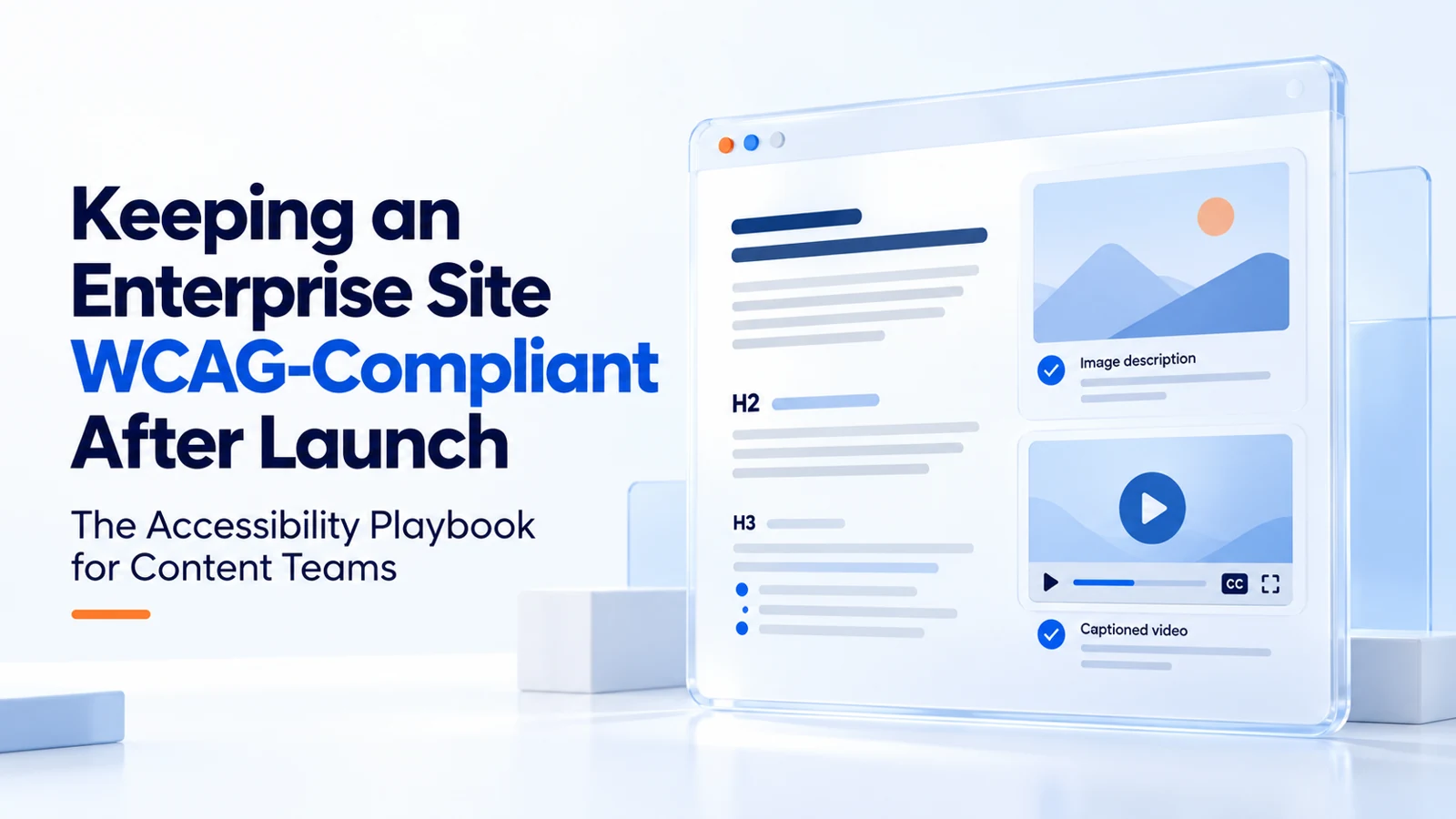
Build image accessibility checks into your CMS. Require meaningful alt text for informative images and provide a way to mark decorative images appropriately. Enforce a proper heading structure in your templates so authors cannot skip levels. Set accessible defaults for color and contrast.
When the platform itself guides authors toward compliant content, you stop depending on everyone remembering the rules, which they will not.
3. Make alt text a habit, not an afterthought
Every meaningful image needs descriptive alt text, and decorative images need to be marked as decorative.
This is one of the most common failures and one of the easiest to fix. The rule is simple: no image gets published without a decision about its alt text. Build that into the publishing step so it is never optional.
4. Keep heading structure clean
Screen readers navigate by headings.
A page with skipped levels, or with headings used just to make text bigger, is hard to use for anyone relying on assistive technology. Use headings to communicate the page’s structure, ideally starting with a clear H1 and following a logical hierarchy. Avoid using headings purely for visual styling or skipping levels unnecessarily.
This is a content decision, not a design one, which is why the content team has to own it.
5. Write link text that makes sense on its own
"Click here" and "read more" tell a screen-reader user nothing.
Use descriptive link text wherever possible. Readers should be able to understand a link’s purpose without having to guess from vague phrases such as “click here” or “read more.” This is a small writing habit that has a large accessibility impact, and it costs nothing once authors are trained to do it.
6. Caption and transcribe video and audio
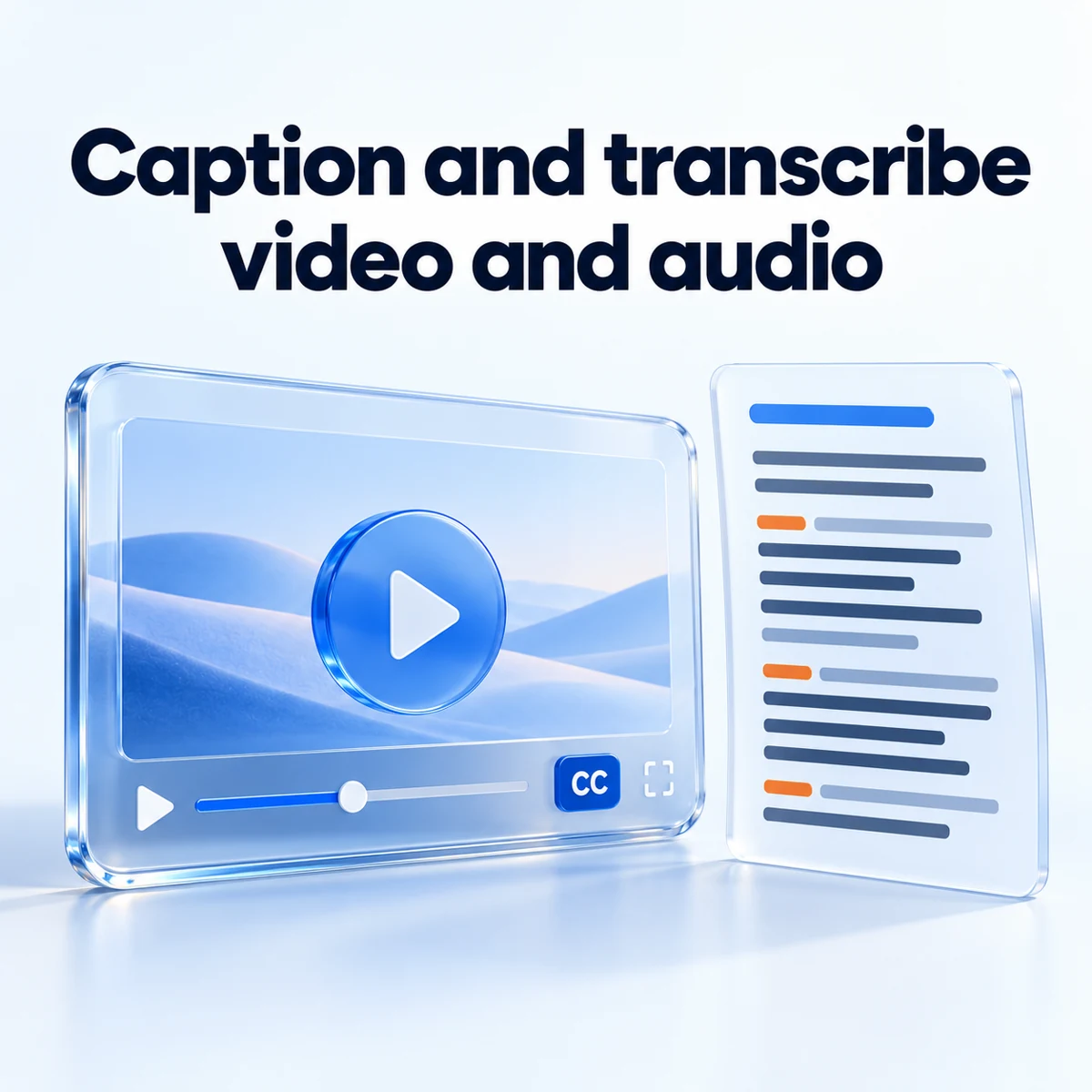
Video needs captions. Audio needs transcripts.
On enterprise sites this is often the largest gap, because media gets added without anyone owning the accessibility side of it. On one enterprise program, keeping video transcripts current was a standing part of the content work, precisely because it is the kind of thing that slips the moment nobody is responsible for it.
7. Do not forget the documents
PDFs and other documents are where accessibility quietly fails.
A perfectly compliant web page can link to an inaccessible PDF, and the institution is still exposed. Treat document accessibility as part of your publishing standards. PDFs, forms, and downloadable resources should be reviewed for accessibility, with applicable legal requirements and exceptions considered where relevant.
On higher-education sites especially, where course materials, policies, and forms live as PDFs, this is often the biggest hidden risk.
8. Check color and contrast on new content
Contrast requirements are easy to meet in the design system and easy to break in day-to-day content: a colored callout here, a custom button there.
Build a contrast check into your review step for any content that introduces new colors, so the exceptions get caught before they publish.
9. Audit on a schedule, with both tools and people
Automated scanners catch a large share of issues and should run regularly.
But automation misses context: whether alt text is actually meaningful, whether a page makes sense navigated by keyboard, whether reading order is logical. A real accessibility program combines automated scans on a set schedule with periodic manual review.
Establish a review schedule based on your publishing volume and accessibility risks. Quarterly manual reviews can be a practical starting point, supported by more frequent automated checks and testing after significant changes.
10. Train the people adding content
Accessibility is a content-author skill, not just a developer skill.
The authors adding pages every day are the ones who keep the site compliant or let it drift. Regular, practical training (what alt text to write, how to structure headings, why link text matters) is what turns compliance from a launch event into a daily habit.
Untrained content authors can become a significant source of accessibility issues, particularly on websites where content is updated frequently.
The point of the playbook
Accessibility after launch is not just a technical responsibility. It is an ongoing operational commitment that connects development, design, governance, and everyday content publishing.
The site was compliant when it launched. Whether it is compliant a year later depends entirely on whether someone owns the standard and whether the people adding content know how to hold it. That is content operations, not a one-time audit.
For a university or public institution, getting this right is the difference between meeting a mandate and carrying a liability. For any enterprise, it is the difference between accessibility as a real, maintained standard and accessibility as a claim that stopped being true months ago.

Treat accessibility as a content operations habit, not a launch check. Build the rules into your templates, train the authors adding content, apply the same standard to every new page, image, and document, and run scheduled audits combining automated scans with manual review. Compliance holds when someone owns it.
Because new content keeps getting added by authors who were not trained on accessibility. A site can launch fully compliant and drift over a year as untrained authors add pages, images, PDFs, and videos without meeting the standard. The platform does not slip, the content does.
A named owner within the content operations team, supported by templates that enforce the rules and training that keeps authors current. Developers build the accessible foundation. The content team keeps it accessible with every new piece of content.
Because accessibility on university and public-institution sites is a legal and funding compliance mandate, not an option. With large volumes of pages, course materials, and PDFs added constantly, these sites carry a high risk of drift, which makes ongoing content-level accessibility essential rather than a one-time audit.
Automated scans should run monthly or continuously. Manual accessibility review should happen at least quarterly on most enterprise sites, more often on high-change environments. The rhythm matters less than having one and holding to it.
Automated scanners (axe, WAVE, or similar) for continuous checks, manual keyboard testing for context that automation misses, screen reader testing for the most critical pages, and platform-level validation that blocks common errors at the point of creation. Tools help. Trained authors are what actually holds compliance.